May 31, 2026
How to Build Your Own Health Agent
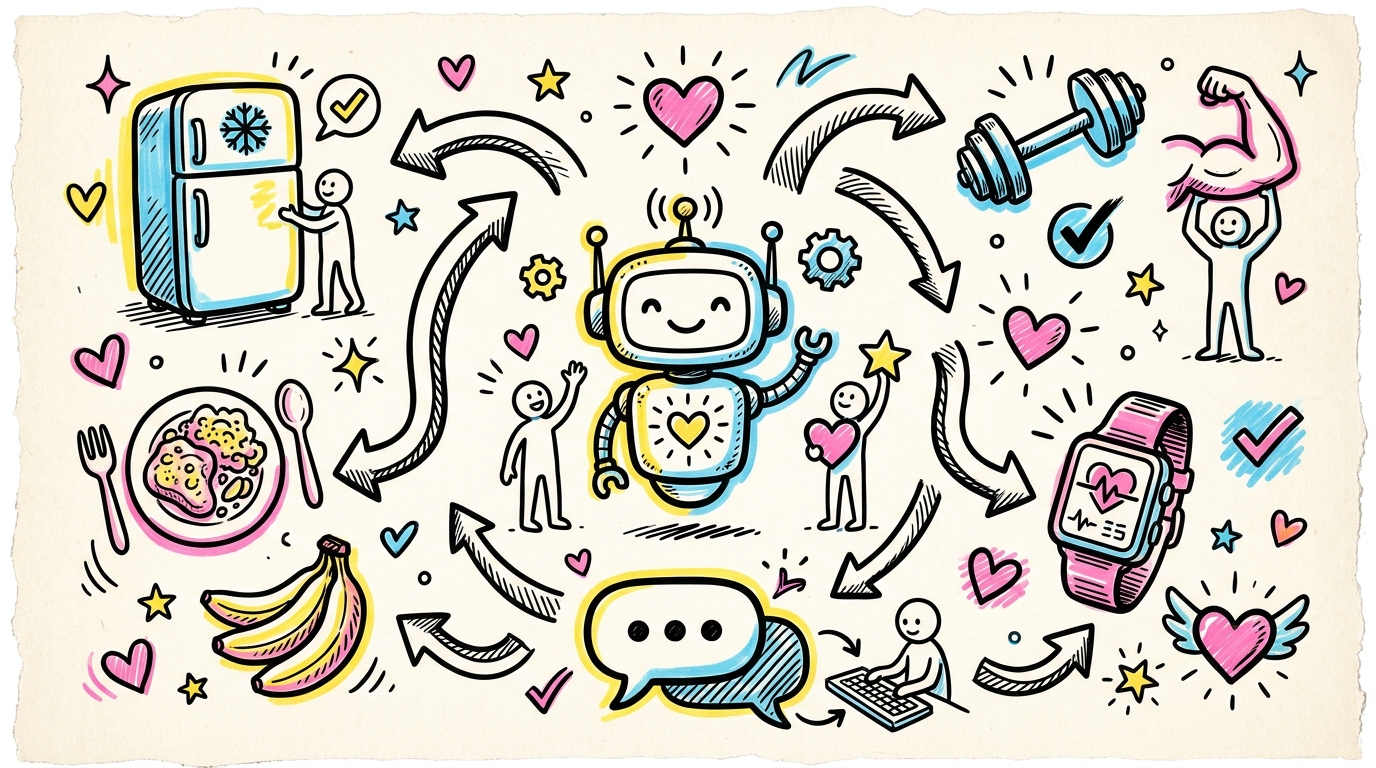
Over the past two months, I've built three agents that fall into the category of nutrition and health. Each one has something it needed customizing for and each one belongs to a different family member. I call mine my Grocery Gal as she helps me to not stare at the fridge in despair over having to figure out what to make yet again. There's one for my dad that adheres to his complex diet he likes to keep along with pulling in all his health data he captures from his various gadgets, and finally I just built one for my husband. Its requirements are basically a mix of the other two.
Since my dad lives far away and isn't super concerned with keeping his nutrition and exercise logs private, I set him up in the cloud using Claude and Railway. Then my husband and I have our agents running on local hardware with local LLMs and the harness is Hermes.
As I've now done this several times, I figured I'd share the approach on how to get started, how to run an agent in the cloud, and how to run an agent locally.
the term agent
We love to use the word agent these days don't we? Agentic AI this, agentic AI that. There's a lot of fuzzy lines and techno-babble.
It's not that complicated. An agent is three things. A persona, which is what it's for and how it talks. A set of tools, which is what it can actually do (log a meal, check the pantry, look up calories) and a loop, which is how it runs. The model reads what you said, decides whether it needs a tool, calls it, reads the result, answers you. That's it.
Everything else I discuss (a database, a nutrition API, a chat app, a cloud host, a local model) just helps the agent remember things and show up where you are. It's nice to have but it's not the agent.
level 1. the simplest agent that works
Let's see an agent in action. Open your terminal and enter (and yes, that trailing dot is supposed to be there. it means this folder.):
git clone https://github.com/bonus414/food-and-health-agent-template.git
cd food-and-health-agent-template
python -m venv venv && source venv/bin/activate
pip install -e .
Grab an Anthropic API key from console.anthropic.com, drop it in:
export ANTHROPIC_API_KEY=sk-ant-...
python cli.py
Now type this:
I had oatmeal and a banana for breakfast
Claude will log this. Not as one blob called "oatmeal and a banana" but as two separate items. Oatmeal and banana. The model read your sentence, pulled it apart, and called the log tool twice. Now you can ask it:
What have I eaten today?
Claude will tell you because it remembers across turns.
This is an agent. You didn't write code that parses meals. You didn't write an if-statement for the word banana. You described a job and it has some tools, and it figured out the rest.
level 2. build an agent in the cloud
Now that you've seen an agent in the terminal let's look at what it takes to build one in the cloud. This is what people get excited about. No longer having to use a terminal to get the best out of AI. The agent is available all the time and you can text it like you would anyone else.
The agent is now going to learn to look things up. In level 1, "banana" was just the word banana. Now by adding the ability to check the USDA's database, we're able to fill in real numbers. So a banana is now added to a database where it can enter data to use later. You also are now moving files into an always-on database whereas before it was a file on your computer. Finally, in order to communicate you are moving your agent into Telegram.
There are several products out there, I just happen to use Railway. You can set up an account, point it at a repo, paste your keys, and it stays up all day, waiting for you. There's a walkthrough in the GitHub repo I share at the end of this blog.
Railway can cost a few dollars a month and you need to use Claude API which has a cost as well. It shouldn't be too expensive for an agent with a focused purpose.
level 3. build an agent on your own hardware
If you want to build something that's more involved while also completely local and private then keep reading.
Same agent, again. Same persona, same tools, same loop. This time you run it on your own Mac or other hardware instead of in the cloud, with a local LLM model and Hermes running the loop. You can now log food in the pantry, your meals, exercise, and anything medical because none of it leaves the machine.
You'll need a Mac that can actually serve a model, which means decent RAM and some patience. The setup is more involved than pasting in an API key. Once it's running though, there's a fully private health agent sitting on hardware in your own house.
now go build your own
The template which is on GitHub is neutral on purpose.
When you are ready to customize you'll want to use COACHING_MODE. Leave it on none and it's a quiet tracker. Set it to a goal and it will work with you. high-protein surfaces your protein totals and suggests protein-rich options.
Want it to talk differently? The persona is in core/persona.py. Rewrite it. Want it to do something new? Add a tool in core/tools.py, register it, and the loop picks it up. docs/DESIGN.md will walk you and your AI through it.
Building agents is fun! Start with something small and see where it takes you.
LIKED THIS?
I write about AI in plain English every other Sunday. No hype, no jargon — just the stuff that actually helps.
I'M IN →